
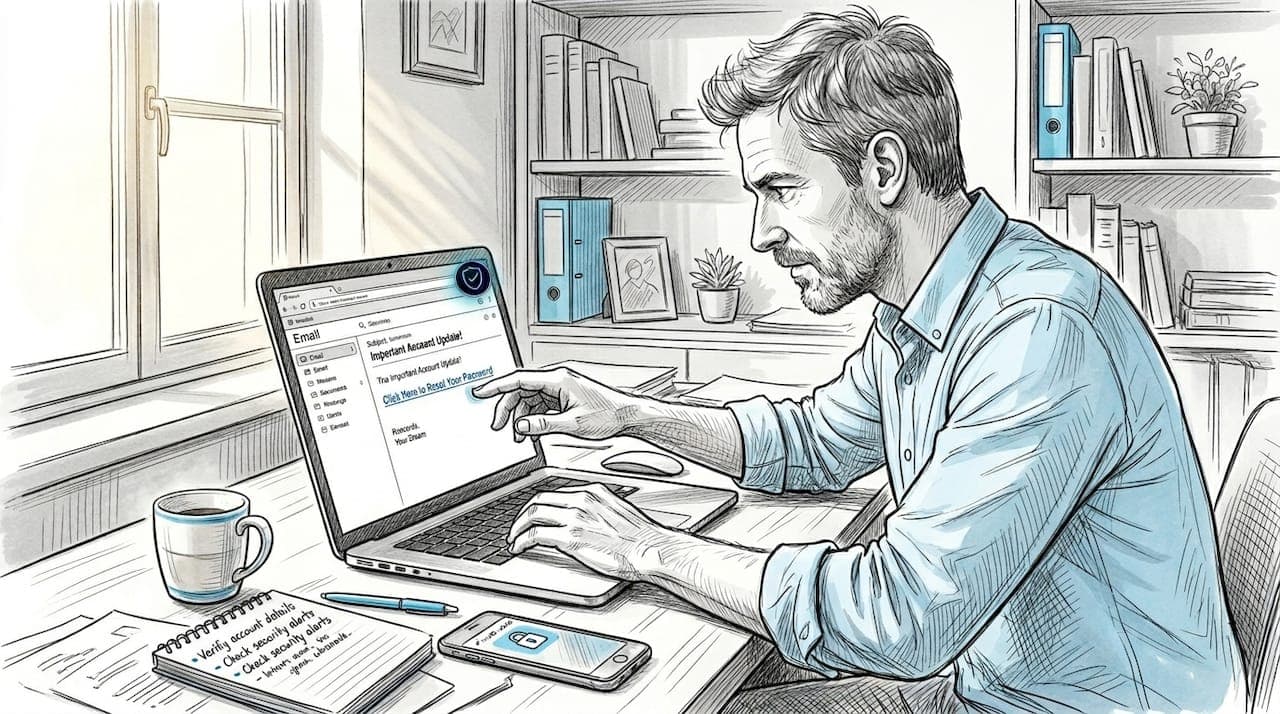
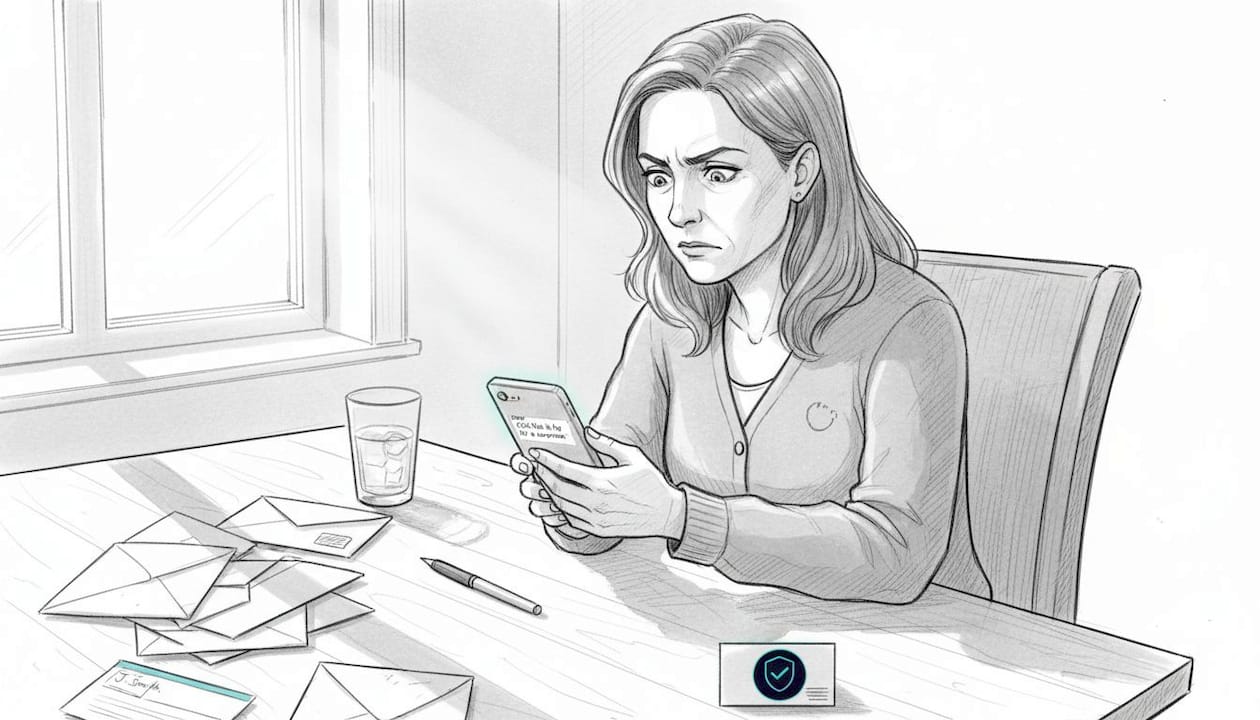
A friend of mine got a text last year that looked exactly like it came from her bank. The link looked right. The logo looked right. She clicked. Within hours, her account was drained. Stories like hers are not rare. 91% of breaches start with phishing, and most of those attacks use a single weapon: a fake link. The scary part? Most people have no idea what to look for. This article will change that. You will learn exactly what URL fraud is, how scammers pull it off, why even careful people get fooled, and what you can do right now to protect yourself.
Table of Contents
- What is URL fraud?
- How URL fraud works: Tactics and real-world examples
- Why people fall for fake links: Misconceptions and psychology
- How to spot and avoid URL fraud: Practical steps anyone can use
- Protect yourself from URL fraud with ScamKit
- Frequently asked questions
Key Takeaways
| Point | Details |
|---|---|
| URL fraud is everywhere | Scammers use fake links, including those with HTTPS, for phishing and online attacks. |
| Visual cues can fail | Even links that look secure can be dangerous, so always inspect URLs carefully before clicking. |
| Practical steps work | Simple checks like verifying domains and using link analysis tools dramatically reduce risk. |
| Proactive security matters | Combine vigilance with useful tools like ScamKit for continual protection against online scams. |
What is URL fraud?
URL fraud means using a deceptive link to trick you into doing something you would not normally do. That could be handing over your password, downloading malware, or entering your credit card number on a fake checkout page. The link is the bait. Everything else follows from that one click.
Scammers use fake URLs for a few core reasons:
- Steal your login credentials by sending you to a fake sign-in page that looks real
- Install malware on your device the moment you land on a malicious site
- Impersonate trusted brands like banks, delivery services, or government agencies
- Harvest personal data such as your name, address, or Social Security number
Here is something that surprises most people: URLs are used 4x more than email attachments in phishing attacks. Scammers have figured out that links are easier to disguise, harder to block, and more likely to get clicked. If you want to understand the full picture of what makes a link suspicious, the URL scam red flags guide is a great place to start.
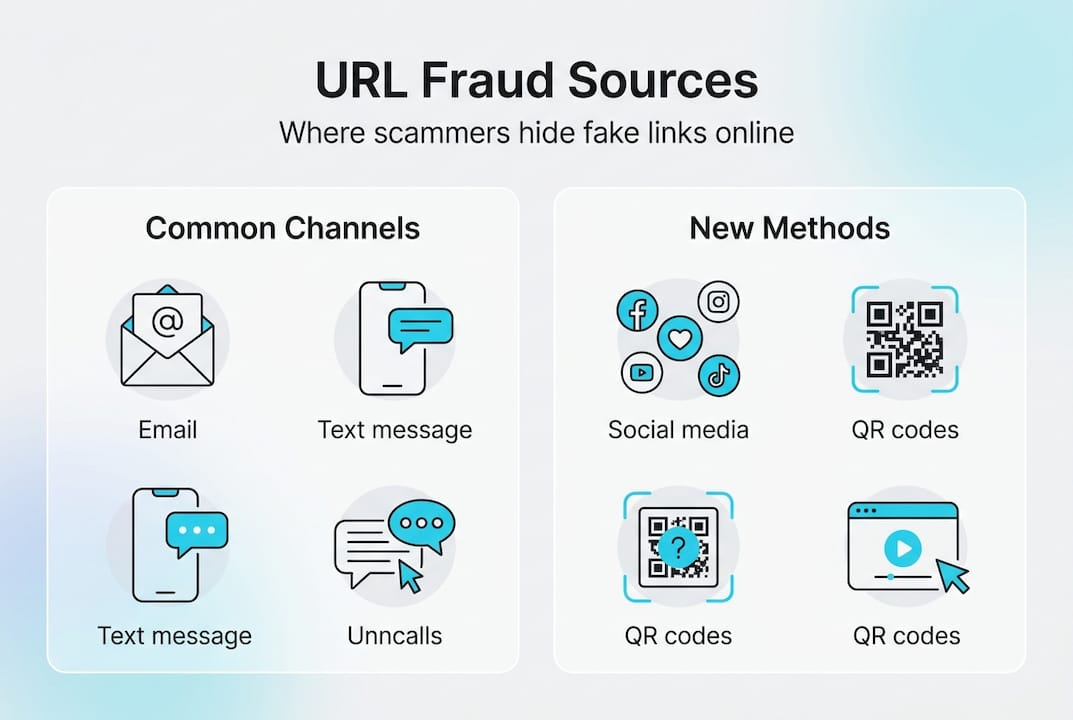
URL fraud is not just an email problem either. It shows up in text messages, social media posts, QR codes, and even online ads. Anywhere a link can live, a scammer can hide one.
How URL fraud works: Tactics and real-world examples
Knowing the definition is just the start. Let's look at how scammers actually build and deliver these fake links, because the tactics are more clever than most people realize.
Nearly a million phishing attacks were recorded in Q4 2024 alone. That volume is possible because scammers have refined their methods into repeatable, scalable tricks.
Common URL disguise tactics:
| Tactic | What it looks like | Why it works |
|---|---|---|
| Typo domain | paypa1.com instead of paypal.com | Easy to miss at a glance |
| Subdomain trick | paypal.com.scamsite.net | Looks like the real domain is first |
| HTTPS fake | https://fake-bank-login.com | Padlock icon creates false trust |
| URL shortener | bit.ly/xR93kp | Hides the real destination entirely |
| Lookalike site | amaz0n.com | Swaps letters for numbers or symbols |
Here is how a typical URL scam unfolds, step by step:
- You receive a text or email claiming your account has been locked or a package is waiting
- The message creates urgency, telling you to act immediately or lose access
- You click the link, which looks almost identical to a real site
- You enter your credentials or payment info on the fake page
- The scammer captures your data instantly and uses it or sells it
Scammers also hide fraudulent URLs inside QR codes, which is a growing tactic. You can see real QR code scam examples to understand how that works. And if you have ever wondered whether a suspicious email is real, phishing email analysis can walk you through the warning signs.
Pro Tip: Never trust a link just because it starts with HTTPS. The padlock only means the connection is encrypted. It says nothing about whether the site itself is legitimate.
Why people fall for fake links: Misconceptions and psychology
Even with growing awareness, millions of people still click suspicious links every year. That is not because they are careless. It is because scammers are genuinely good at what they do.
Let's clear up the biggest myths first:
- Myth: HTTPS means the site is safe. Wrong. 35% of phishing links now use HTTPS. The padlock just means your data is encrypted in transit, not that the destination is trustworthy.
- Myth: I would recognize a fake site. Scammers copy real websites pixel by pixel. Logos, fonts, colors, and layouts are often identical to the real thing.
- Myth: Only older or less tech-savvy people get fooled. Phishing attacks are designed by professionals. They target everyone, including IT workers and security experts.
- Myth: If the email came from a trusted brand, the link is safe. Scammers spoof sender addresses constantly. The name in your inbox means nothing without deeper checks.
"Scammers do not need to break through your firewall. They just need you to click once."
Beyond myths, there is the psychology. Scammers use three emotional levers with precision: fear, curiosity, and authority. A message saying your account will be suspended triggers fear. A subject line saying "You have a new voicemail" triggers curiosity. An email appearing to come from the IRS or your CEO triggers authority. These emotions short-circuit your critical thinking and push you toward clicking before you pause to question.
Learning to spot fake emails is one of the most practical skills you can build. And before you buy anything from an unfamiliar site, running a quick website safety check takes less than a minute and can save you a lot of grief.
How to spot and avoid URL fraud: Practical steps anyone can use
Understanding the threat is empowering. But real safety comes from action. Here is a clear, step-by-step process you can use every time you receive a link you are not 100% sure about.
4% of users clicked on phishing links during simulated campaigns, even when they knew they were being tested. That number is a reminder that awareness alone is not enough. You need a habit.
Step-by-step: What to do before clicking any link
- Pause. Do not click immediately, especially if the message creates urgency.
- Hover over the link on desktop to preview the actual URL in the bottom of your browser.
- Read the domain carefully. Look for extra words, swapped letters, or unusual extensions like .xyz or .info.
- Check for subdomains. The real domain is always the part just before the first single slash. "paypal.com.fakesite.net" is owned by fakesite.net, not PayPal.
- Do not trust the display text. A link can say "Click here to visit PayPal" but send you somewhere completely different.
- Use a URL checker. Paste the link into a tool before visiting it.
- Go directly to the source. If a message claims to be from your bank, open a new tab and type the bank's address yourself.
Quick reference: URL warning signs
| Warning sign | Example | Risk level |
|---|---|---|
| Misspelled domain | gooogle.com | High |
| Unusual extension | yourbank.xyz | High |
| Excessive subdomains | login.secure.bank.fakesite.com | Very high |
| URL shortener with no context | bit.ly/abc123 | Medium to high |
| Mismatched display text | "PayPal" linking to scamsite.net | Very high |
For a deeper look at what makes a URL suspicious, the URL red flag guide covers every major pattern scammers use. And when you want instant analysis on a specific link, the ScamKit link checker gives you a risk assessment in seconds, no sign-up needed.
Pro Tip: Always check for subtle changes in domain spelling. Scammers often swap the letter "o" for the number "0," or add an extra letter that is easy to miss when you are reading quickly.
Protect yourself from URL fraud with ScamKit
You now have a solid foundation for recognizing and avoiding URL fraud. But knowing what to look for is only part of the equation. Having the right tools makes it faster and easier to stay protected every single day.
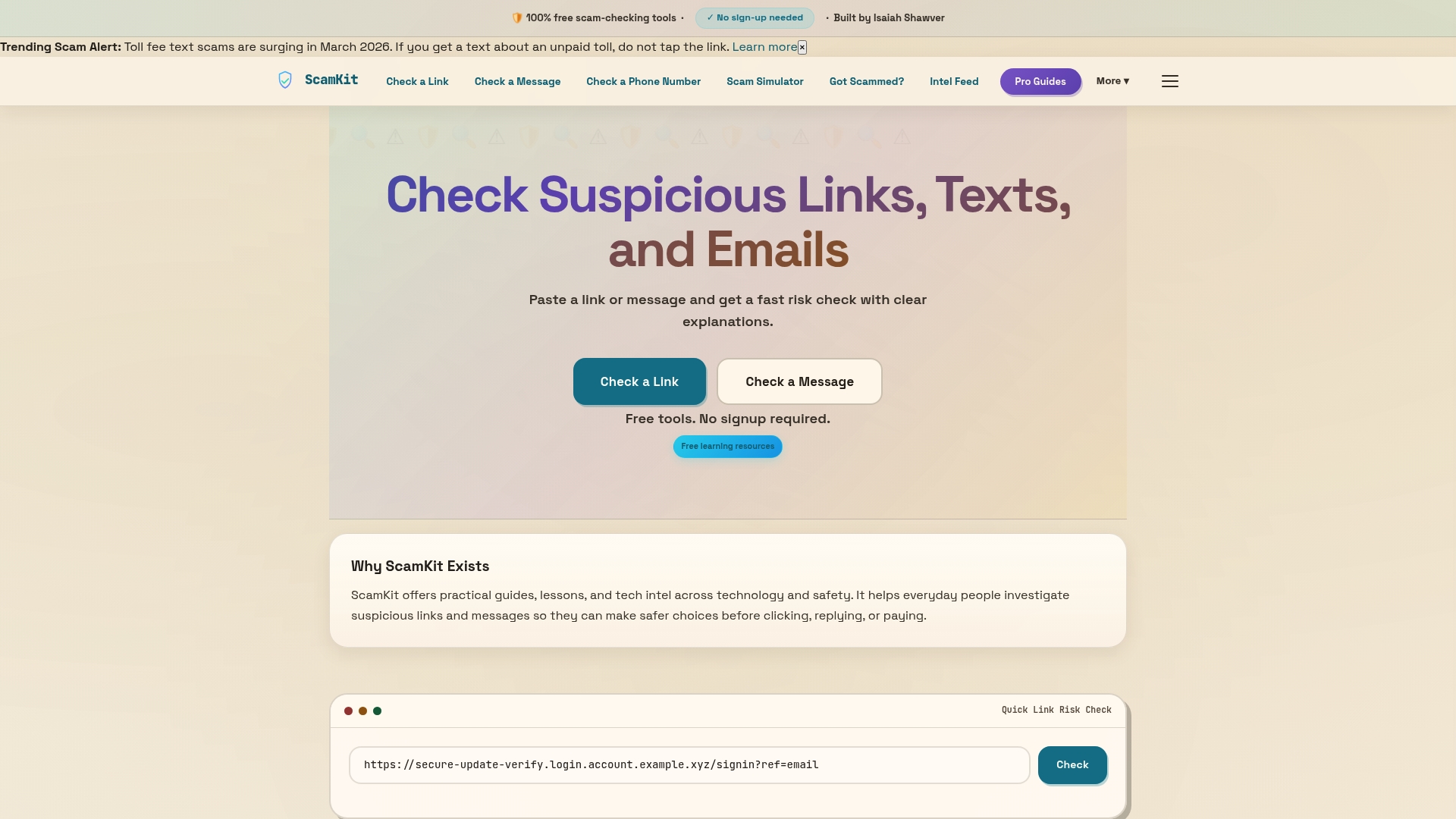
ScamKit was built exactly for this. The scam link analyzer lets you paste any suspicious URL and get an instant risk assessment, no account required. If you are also dealing with sketchy emails, the email scam guide walks you through exactly what to look for. And if you want to go further and build stronger habits across the board, the proactive cybersecurity section gives you a practical framework for staying ahead of threats before they reach you. ScamKit is free, private, and designed for real people, not just tech experts.
Frequently asked questions
How can I quickly tell if a link is safe?
Check the domain spelling carefully, avoid clicking links from unknown senders, and paste the URL into a checker tool before visiting. Since URLs are used 4x more than attachments in phishing, treating every unexpected link with suspicion is a smart default habit.
Does HTTPS mean a link is safe?
No. 35% of phishing links now use HTTPS, so the padlock icon is not a reliable safety signal. Always inspect the full URL, not just the protocol at the start.
What happens if I click a fraudulent URL?
You may land on a fake site designed to steal your credentials, trigger an automatic malware download, or be prompted to enter personal or financial information. Since 91% of breaches start with phishing, a single click can have serious consequences.
Are QR codes safe from URL fraud?
No. Scammers embed fraudulent URLs inside QR codes just as easily as they do in emails or texts. With nearly a million phishing attacks recorded in a single quarter, QR code scams are a growing part of that total.
What tools are best for checking links?
URL checker tools like ScamKit analyze links instantly and flag suspicious patterns before you visit them. Even with awareness, 4% of users still click phishing links during tests, which shows why having a reliable tool in your corner matters.
Recommended
- The 5 URL Red Flags That Catch Most Scams | ScamKit
- Is This Website Safe to Buy From? | ScamKit
- How to Tell If an Email Is Fake | ScamKit
- QR Code Scams Are Showing Up Everywhere. Here Is What to Watch For. | ScamKit
- Beware Holiday Scams This Year: Stay Alert | Re-Solution
- Phishing attack examples in 2026: real tactics and defenses