
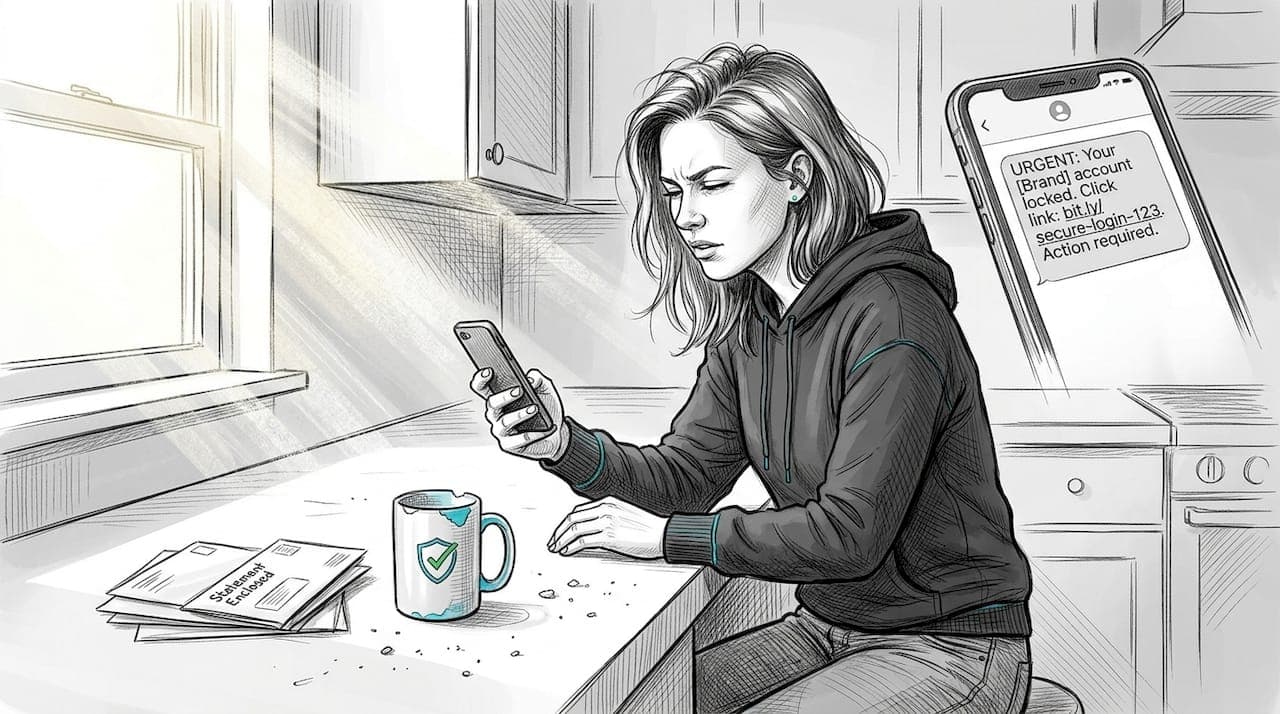
Even careful, tech-savvy people get fooled by scam messages. That's not a knock on anyone's intelligence. It's a sign of how sophisticated these attacks have become. In 2024, Americans lost $470 million to text scams alone. The messages look real. They sound urgent. And they're designed to make you act before you think. This article walks you through real scam message examples, side-by-side comparisons with legitimate messages, and clear steps you can take right now to protect yourself and your family.
Table of Contents
- How to spot a scam message: Key warning signs
- Most common scam message types and real examples
- Side-by-side comparison: Scam vs. legitimate messages
- What to do if you receive a suspicious message
- Why staying scam-aware in 2026 takes more than common sense
- Protect your family with ScamKit's smart tools
- Frequently asked questions
Key Takeaways
| Point | Details |
|---|---|
| Spotting signs | Urgency, unfamiliar senders, and suspicious links often indicate a scam. |
| Know common scams | Fake deliveries, financial alerts, and job offers are current top scam types. |
| Use side-by-side checks | Comparing scam messages with real ones reveals important warning differences. |
| Take smart action | Do not reply to suspicious messages and use safe tools to verify. |
| Stay vigilant | Reviewing real scam examples regularly keeps you and your family safer. |
How to spot a scam message: Key warning signs
Before we look at real examples, it helps to know what you're looking for. Scam messages share a handful of traits that show up again and again. Once you know these patterns, you'll start catching them almost automatically.
The FTC identifies urgent requests and suspicious links as the most common warning signs in scam messages. These aren't random mistakes. Scammers use them on purpose to pressure you into acting fast.
Here are the key warning signs to watch for:
- Urgent or threatening language. Phrases like "Act now," "Your account will be closed," or "Final notice" are designed to create panic. Panic makes people click without thinking.
- Unfamiliar or odd-looking senders. A message from "support@amaz0n-help.net" is not from Amazon. Look closely at every character in the sender's address or phone number.
- Spelling and grammar mistakes. Legitimate companies proofread their messages. Errors are a red flag, though some scams are now nearly flawless.
- Requests for sensitive information. No real bank, government agency, or company will ask for your password, Social Security number, or full bank details over text or email.
- Suspicious links or attachments. Links that don't match the official website, shortened URLs, or unexpected attachments are major warning signs.
- Too-good-to-be-true offers. Free gift cards, lottery wins, or easy money jobs that require no experience are almost always scams.
If you're unsure whether a message is real, you can spot scam messages using a dedicated checker before you do anything else. It's also worth learning about spotting fake warnings that mimic official alerts, since those are especially convincing. One common example is a tax refund scam where a message claims to be from the IRS offering a refund.
Pro Tip: Always check the sender's full email address or phone number, not just the display name. Scammers can make the display name say "Chase Bank" while the actual address is completely unrelated.
Most common scam message types and real examples
Recognizing the signs is essential, but seeing real examples brings these patterns to life. The top five text scam types reported in 2024 were fake package delivery alerts, task scams, fraud alerts, bogus toll collection notices, and "wrong number" texts. Let's break each one down.
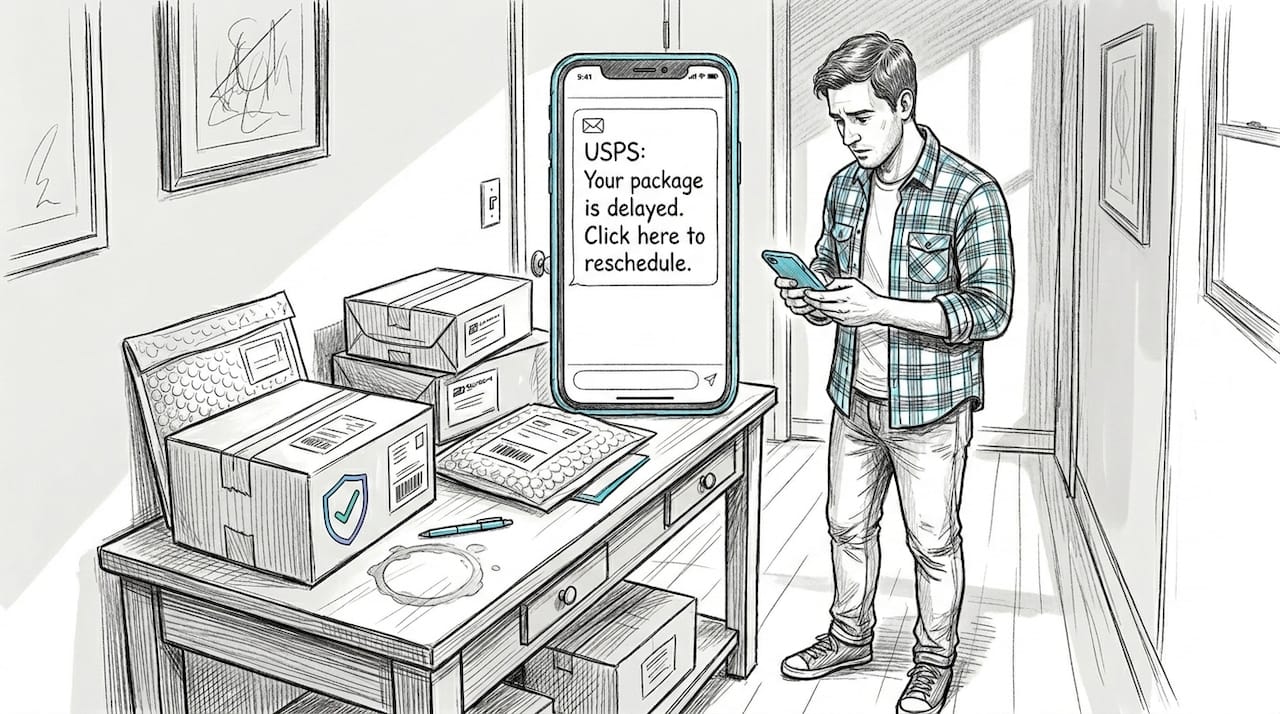
Fake package delivery alerts These messages claim your package is delayed or needs action. Example: "USPS: Your package #94821 is on hold. Confirm your address here: usps-delivery-now.net." The link goes to a fake site that steals your info. Always check delivery text scams before clicking anything.
Fraudulent banking alerts These look like your bank warning you of suspicious activity. Example: "Alert from Chase: Unusual login detected. Verify your identity immediately at chase-secure-login.com." Real banks never send you to a third-party URL.
Phony job or task offers These promise easy money for simple tasks. Example: "Earn $500/day liking videos from home. No experience needed. Reply YES to start." These often lead to fake job offer scams that eventually ask you to send money or share personal data.
Fake toll collection notices Example: "EZPass: You have an unpaid toll of $3.85. Pay now to avoid a $50 fine: ezpass-billing.net." Scammers count on the small amount feeling believable.
Wrong number introductions These start casually: "Hey! Is this Mike? I think I have the wrong number lol." After a few friendly exchanges, they steer you toward a fake investment or fake loan scam texts.
"Scammers take advantage of urgency and familiarity. Never trust links from unknown senders, no matter how real the message looks."
Side-by-side comparison: Scam vs. legitimate messages
Every scam message imitates real organizations, but keen eyes can spot the differences in wording, sender details, and format. Scammers mimic real brands to increase their chances of stealing your information. Here's a direct comparison to make those differences clear.
| Feature | Scam message | Legitimate message |
|---|---|---|
| Sender address | chase-alert@secure-login.net | alerts@chase.com |
| Link URL | chase-verify-now.com | chase.com/account |
| Urgency | "Act immediately or lose access" | "Please review your account" |
| Grammar | Errors, odd phrasing | Professional, clean copy |
| Request | Password, SSN, full card number | Log in via official app or site |
| Tone | Threatening or overly excited | Calm, informational |
The differences seem obvious in a table. But when a message arrives on your phone at 7 a.m. and looks exactly like your bank's usual style, it's easy to miss the details. That's why slowing down matters.
For emails specifically, our email scam tips page covers how to read email headers and identify spoofed senders in more detail.
Pro Tip: If a message asks you to click a link, open a new browser tab and go directly to the company's official website instead. Type the URL yourself. This one habit blocks most phishing attempts cold.
What to do if you receive a suspicious message
Knowing what makes a scam is essential. Here's exactly what you should do the moment a questionable message arrives.
Scam messages are built to steal personal or financial information. Every action you take, or don't take, matters.
- Do not click any links or reply. Even replying to confirm you're a real person can lead to more targeted scam attempts.
- Screenshot the message. Save it before deleting. Screenshots can help if you need to file a report or dispute a charge later.
- Use a scam checker. You can verify suspicious messages quickly using free tools that assess the risk level before you take any action.
- Report it to your carrier. Forward suspicious texts to 7726 (SPAM). Most major carriers use this number to track and block scam senders.
- Report to the FTC. Reporting a scam to the FTC helps authorities track patterns and warn others. You can also report a scam directly through ScamKit.
- Block the sender. This won't stop all scams, but it prevents follow-up messages from the same number or address.
| Action | Why it matters | Tool or resource |
|---|---|---|
| Don't click or reply | Prevents data theft and confirms your number | Your own judgment |
| Screenshot | Evidence for reports and disputes | Your phone's screenshot function |
| Check the message | Instant risk assessment | ScamKit message analyzer |
| Report to carrier | Helps block the scam number network-wide | Forward to 7726 |
| Report to FTC | Builds national scam data and warnings | ReportFraud.ftc.gov |
Pro Tip: Saving screenshots of suspicious messages can be a game changer if you need to dispute a fraudulent charge or assist in an investigation. Make it a habit.
Why staying scam-aware in 2026 takes more than common sense
Here's an uncomfortable truth: common sense alone won't protect you anymore. That's not pessimism. It's reality.
Scammers in 2026 use AI tools to write flawless messages, copy brand logos perfectly, and personalize texts with your name, city, or recent purchases. These aren't the typo-filled emails from a decade ago. They're polished, targeted, and timed to catch you off guard.
We've seen phishing email analysis showing that even cybersecurity professionals get fooled by well-crafted scam messages. That's not embarrassing. It's a reminder that awareness is a skill you build, not a reflex you're born with.
"If it can happen to cybersecurity pros, it can happen to anyone. Vigilance is a skill, not just a reflex."
The people who stay safest aren't the ones who trust their gut the most. They're the ones who pause, check, and verify before acting. Reviewing real scam examples regularly, using tools to analyze suspicious messages, and staying updated on new tactics are what actually move the needle. Gut instinct is a starting point, not a finish line.
Protect your family with ScamKit's smart tools
You've now seen what scam messages look like, how they compare to real ones, and what to do when one lands in your inbox. The next step is having a fast, reliable way to check before you click.
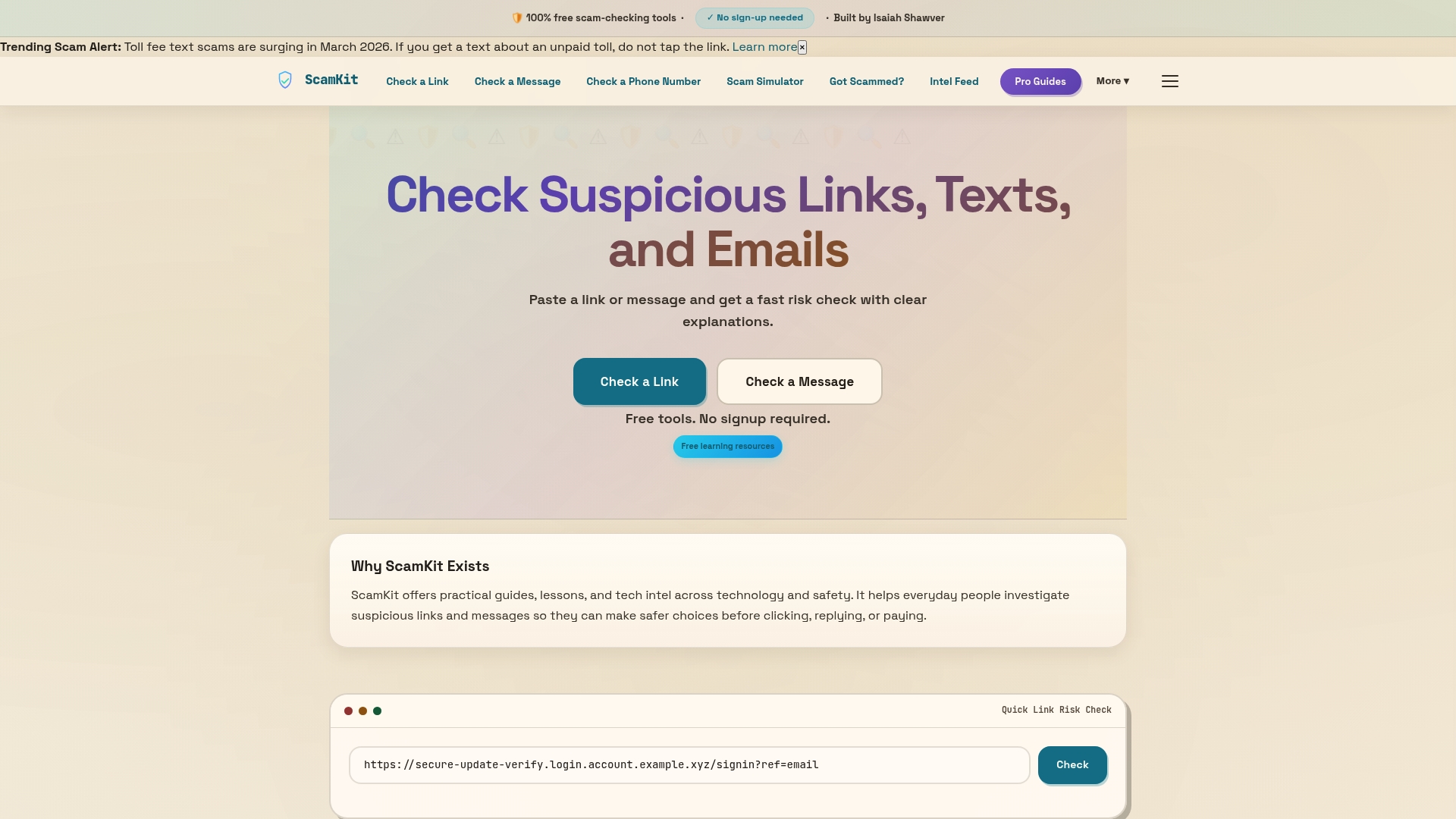
ScamKit gives you free tools to check messages and links instantly, no sign-up required. You can set up ScamKit for your family so parents and kids alike have a simple way to verify anything suspicious. Want to go deeper? Use ScamKit to analyze suspicious emails and get a clear risk breakdown in seconds. It's built for real people, not IT professionals, and it's completely free to use.
Frequently asked questions
What is a scam message?
A scam message is a fraudulent text, email, or chat designed to trick you into sharing personal information or sending money. The FTC confirms these messages are specifically built to steal personal or financial data.
How can I quickly check if a message is a scam?
Look for urgent language, unexpected links, spelling errors, and requests for personal data. The FTC highlights these warning signs as the fastest way to flag a potential scam before taking action.
What should I do if I get a suspicious text or email?
Don't click any links or reply. Use a reputable scam checker, then report the message to your carrier and the FTC. The FTC urges consumers not to respond and to report scams immediately.
Are there free tools to check scam messages?
Yes. ScamKit and government sites offer free tools for checking texts, emails, and links. Free reporting tools are widely available and require no personal information to use.
Can scammers make their messages look real?
Absolutely. Scammers design messages to closely imitate real brands, copying logos, tone, and formatting to make their messages nearly indistinguishable from legitimate ones.
Recommended
- Is This Text Message a Scam? | ScamKit
- What is a scam alert? Spotting fake warnings in 2026
- How to Tell If an Email Is Fake | ScamKit
- That Job Offer Might Be a Scam. Here Is How to Tell. | ScamKit
- Pocket App | How to protect your phone from fake mobile apps
- Opgepast - Oplichters bellen namens Callnet B.V.