
TL;DR:
- Suspicious links often use typosquatting, homograph attacks, shortened URLs, or IP addresses.
- Clicking unsafe links can lead to phishing, malware, ransomware, spyware, and identity theft.
- Always hover over links, verify sender, and use URL checkers to protect yourself online.
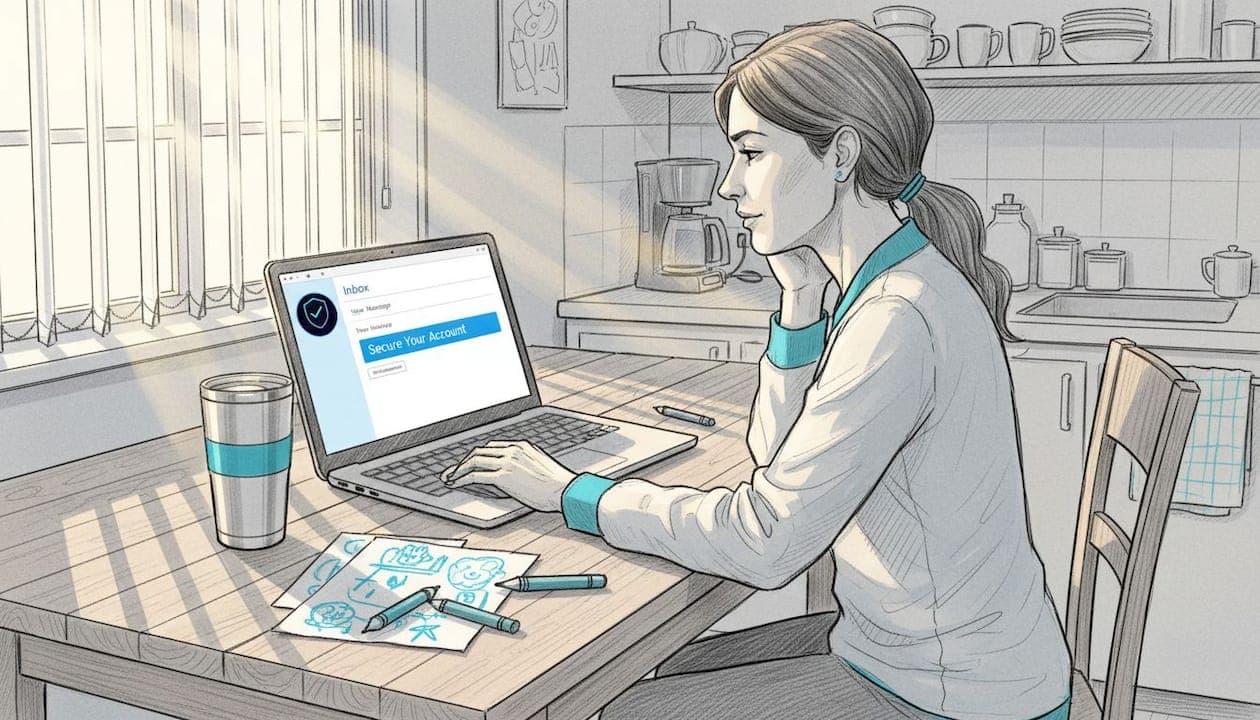
A friend of mine clicked a link in what looked like a FedEx delivery notification. Within hours, her email account was compromised and her bank flagged unusual activity. She's careful, tech-savvy, and still got caught. The truth is, clicking suspicious links can lead to phishing, malware, and data breaches faster than most people realize. Scammers have gotten remarkably good at making fake links look real. This guide will show you exactly what makes a link suspicious, what happens when you click one, and how to protect yourself starting today.
Table of Contents
- What makes a link suspicious?
- The risks of clicking unverified links
- How to check suspicious links before clicking
- Practical habits to stay safe online
- Why most people underestimate link threats and how to get ahead
- Take your link safety to the next level with ScamKit
- Frequently asked questions
Key Takeaways
| Point | Details |
|---|---|
| Malicious links are evolving | Scammers use technical tricks and visual deception to fool even careful users. |
| Checking links prevents harm | Simple habits like hovering on links and using URL checkers help avoid phishing, malware, and data breaches. |
| Manual checks matter | Automated tools are effective, but personal attention is crucial for subtle scams and edge cases. |
| Build safe online routines | Integrate link-checking steps into daily internet use to protect yourself and others. |
What makes a link suspicious?
Having set the stage for why suspicious links are dangerous, let's look at how you can actually recognize them. The bad news is that scammers are creative. The good news is that their tricks follow patterns you can learn.
One of the most common tactics is typosquatting. This is when a scammer registers a domain that looks almost identical to a real brand. Think "amaz0n.com" or "paypa1.com." At a glance, your brain fills in the gap and reads it as legitimate. It works because we skim, especially on mobile.
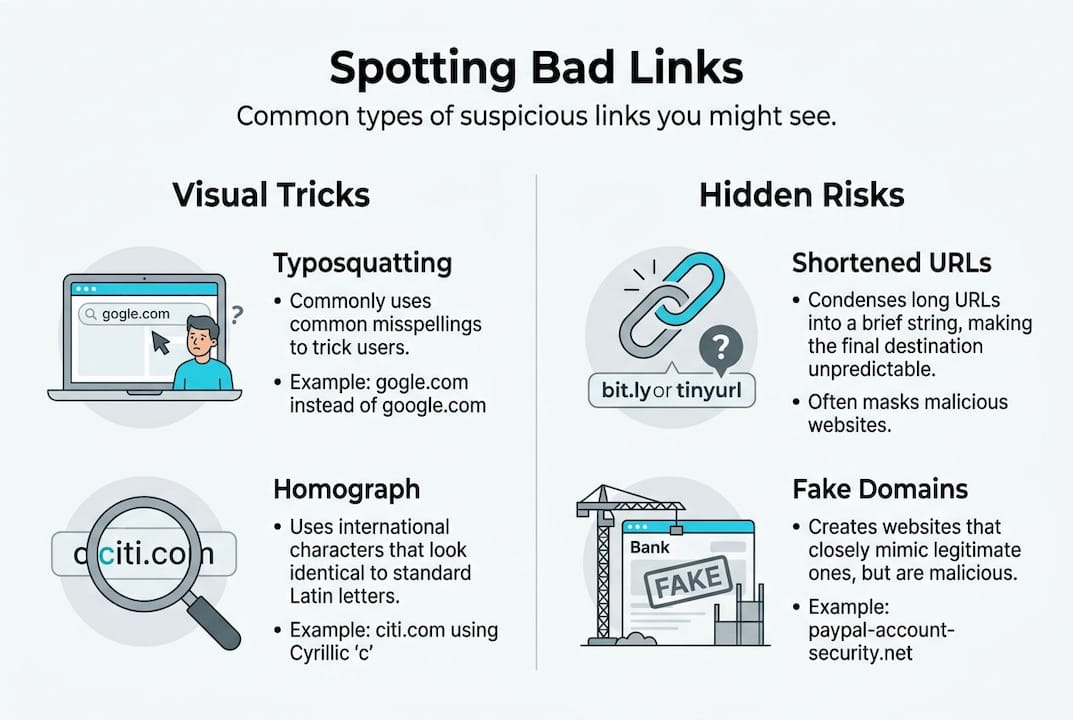
Then there are homograph attacks. These are sneakier. Scammers use Unicode characters that look identical to standard letters. The Cyrillic "а" looks exactly like the Latin "a" to the human eye. So a link to "аpple.com" might actually route you to a completely different server. Browsers try to catch this by displaying homograph detection warnings using Punycode, which converts those lookalike characters into a format that exposes the trick.
Shortened URLs are another red flag. Services like bit.ly or tinyurl hide the real destination entirely. Scammers love them because you have no idea where you're going until you've already arrived.
Here's a quick comparison of common suspicious link types:
| Link type | What it looks like | Why it's dangerous |
|---|---|---|
| Typosquatted URL | amaz0n.com | Looks real at a glance |
| Homograph URL | аpple.com (Cyrillic а) | Visually identical to real domain |
| Shortened URL | bit.ly/3xR9k | Hides the real destination |
| IP address link | http://192.168.1.1/login | No recognizable brand name |
| HTTP (no S) | http://yourbank.com | Unencrypted, easy to intercept |
Some other URL red flags to watch for include:
- Links that use IP addresses instead of domain names
- URLs with random strings of characters after the domain
- Mismatched HTTPS status (no padlock, or a padlock on a fake site)
- Subdomains designed to confuse, like "paypal.secure-login.com"
Knowing how to spot fake links is a skill that takes minutes to learn but can save you from months of damage. Suspicious links often use typosquatting, homograph attacks, shortened URLs, IP addresses, or mismatched HTTPS, and most people walk right past these signs without noticing.
The risks of clicking unverified links
Now that you know what suspicious links look like, it's vital to understand what can happen if you click one. Spoiler: it's rarely just a minor inconvenience.
Phishing is the most common outcome. You land on a page that looks exactly like your bank, your email provider, or a government site. You type in your username and password. Done. The attacker now has your credentials. According to phishing risk data, these attacks are among the most effective because they exploit trust, not technical vulnerabilities.
Malware is another serious consequence. Some links trigger automatic downloads of ransomware or spyware the moment you visit the page. Ransomware locks your files and demands payment. Spyware quietly records your keystrokes, capturing passwords and financial details without you knowing.
The scariest category is drive-by downloads. These don't require you to click anything on the page. Just visiting the URL is enough to trigger an exploit in your browser or operating system. No prompts. No warnings. Just a silent infection.
Here's what clicking an unsafe link can lead to:
- Stolen login credentials for email, banking, or social media
- Ransomware that encrypts your files and demands payment
- Spyware that monitors your activity in the background
- Identity theft leading to fraudulent accounts in your name
- Financial loss that can take months or years to recover from
"Even careful users can fall victim to advanced phishing and malware attacks. The attacks have evolved faster than most people's awareness of them."
And it's not just email. Phishing scams now arrive via text message, social media DMs, and even QR code scams posted in public places. The attack surface has grown, and scammers know exactly how to exploit each channel.
Data breaches that follow these attacks can expose your Social Security number, financial records, and personal communications. The fallout is not just stressful. It's expensive and time-consuming to fix.
How to check suspicious links before clicking
Understanding the risks is important, but knowing how to check links and prevent harm is where you gain true control. Here are the steps you should follow every time you encounter an unfamiliar link.
- Hover before you click. On a desktop, hover your mouse over the link. The real destination appears in the bottom corner of your browser. If it doesn't match what the text says, that's a problem. Protect yourself from phishing by making this your first reflex.
- Use a URL checker. Tools like the ScamKit URL Checker analyze a link for known threats, suspicious patterns, and domain reputation before you visit it. It takes five seconds and could save you from a serious headache.
- Verify the sender. Got a link from a friend or company? Confirm they actually sent it. Call them, check their official website directly, or look at the email headers. Scammers often spoof familiar names.
- Look at the full URL carefully. Check for typos, extra subdomains, or strange characters. If something feels off, trust that instinct.
- Avoid urgency traps. Messages that say "Act now" or "Your account will be suspended" are designed to make you skip the verification step. Slow down.
Here's a quick reference for link-checking tools:
| Tool | What it checks | Best for |
|---|---|---|
| ScamKit URL Checker | Threat reputation, domain age | Quick daily checks |
| VirusTotal | 70+ antivirus engines | Deep link scanning |
| Browser Punycode display | IDN homograph attacks | Spotting fake domains |
| Email header analysis | Sender authenticity | Verifying email sources |
Pro Tip: For links that use lookalike characters, copy the URL and paste it into a plain text editor. Sometimes the Punycode version reveals the deception immediately. IDN homograph attacks fool even careful users, so manual checks outside the browser are sometimes necessary.
If you want to understand what is a URL checker and why it matters, the concept is simple. These tools cross-reference a link against databases of known malicious sites and analyze patterns that suggest fraud. Combining them with scam prevention steps gives you a strong, layered defense. And for a broader breakdown of link safety tips, the fundamentals remain consistent across every platform.
Practical habits to stay safe online
Putting theory into practice is the final and most important step for staying safe online. Tools help, but habits are what keep you consistently protected.
Make link-checking automatic. Before clicking anything unfamiliar, pause for five seconds. Ask yourself: Do I know who sent this? Does the URL look right? Did I expect this message? That brief mental check catches a surprising number of threats.
Educate the people around you. Scammers often target the least-informed person in a household or organization. If you teach one family member or coworker how to spot a suspicious link, you've multiplied your protection. Share what you know. It matters.
Here are habits worth building into your daily routine:
- Enable browser security features like Safe Browsing in Chrome or SmartScreen in Edge
- Use a password manager so that even if credentials are phished, reuse damage is limited
- Turn on two-factor authentication for email and banking accounts
- Report suspicious links to the platform they arrived on, or to the Anti-Phishing Working Group at reportphishing@apwg.org
- Regularly update your browser and operating system to patch known exploits
Pro Tip: Set a weekly reminder to review your email security settings and check whether your accounts appear in any data breach databases. Free tools like Have I Been Pwned make this easy.
All sources agree that checking suspicious links is critical, and there's no real debate about that. What separates people who stay safe from those who get caught is consistency. Following a scam prevention guide and applying it regularly is what makes the difference.
Reporting suspicious links also helps protect others. When you flag a phishing link to Google, Microsoft, or your email provider, their systems get smarter. Your small action contributes to a larger defense network.
Why most people underestimate link threats and how to get ahead
Here's something most cybersecurity articles won't tell you directly: the people who get scammed are not careless or uninformed. They're often experienced internet users who trusted their instincts in the wrong moment.
The problem isn't ignorance. It's familiarity. The more comfortable you are online, the more you rely on pattern recognition. And scammers have learned to exploit exactly that. They design attacks that fit your patterns perfectly.
Automated tools are genuinely useful. But they're not infallible. IDN homograph attacks fool even careful users due to visual similarity, and manual checks remain essential for catching what scanners miss. No tool replaces the moment of human skepticism before a click.
What actually protects you is a mindset shift. Stop assuming a link is safe until proven dangerous. Flip it. Treat every unfamiliar link as unverified until you've checked it. That small mental reversal changes everything.
We've seen this pattern repeatedly when analyzing real scams. The most effective attacks don't look like attacks. They look like routine messages from trusted sources. Reviewing phishing email analysis examples makes this painfully clear. Proactive habits beat reactive fixes every time.
Take your link safety to the next level with ScamKit
You now have the knowledge to recognize suspicious links and the habits to avoid them. The next step is putting the right tools in your corner.
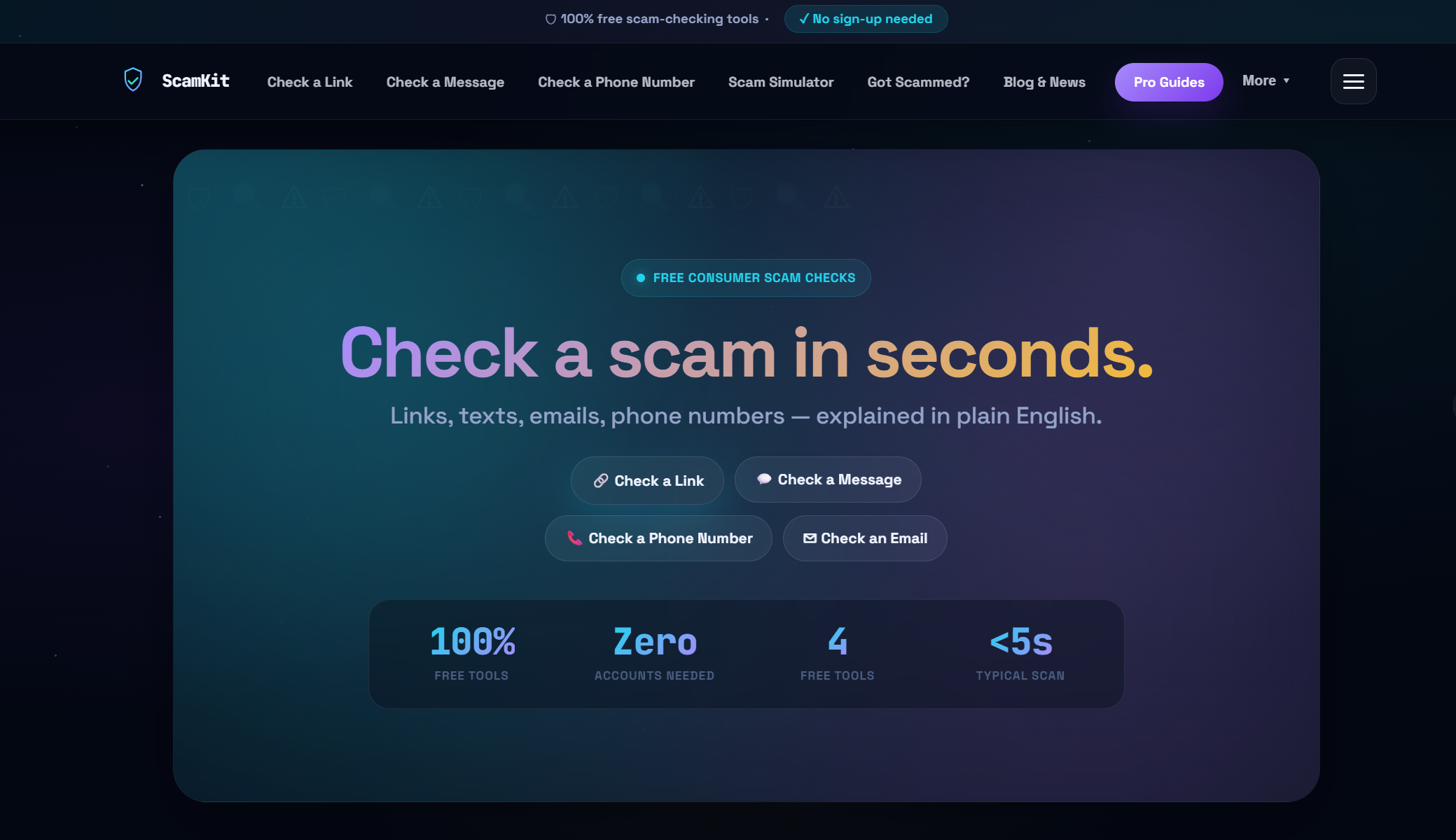
ScamKit's ScamKit URL Checker lets you paste any link and get an instant risk assessment, no sign-up required. If you're also concerned about suspicious emails, the Email Header Analyzer helps you verify whether a message is genuinely from who it claims to be. And if you want to build a stronger overall defense, explore ScamKit's approach to proactive cybersecurity for practical steps that fit into everyday life. Free, private, and built for people who just want to stay safe.
Frequently asked questions
What is the first thing I should check before clicking a link?
Hover over the link to preview the actual URL and spot mismatched destinations or unfamiliar domains before you commit to clicking.
How do modern browsers help protect against fake links?
Browsers display Punycode for suspicious IDNs and flag insecure connections, helping you spot homograph attacks and fake sites before you land on them.
What should I do if I receive a suspicious link in an email?
Don't click it. Verify the sender through a separate channel, then use a URL checker tool to analyze the link for known threats before taking any action.
Can link-checking tools detect all types of scams?
No. Automated tools catch most threats, but manual checks are necessary for subtle attacks like typosquatting and homograph tricks that can slip past scanners.