
TL;DR:
- Scam links deceive users by appearing legitimate and can lead to theft or malware.
- Recognizing red flags like mismatched URLs, urgency, impersonation, and concealed addresses helps prevent clicking.
- Combining vigilant habits, verification tools, and reporting strengthens protection against scams.
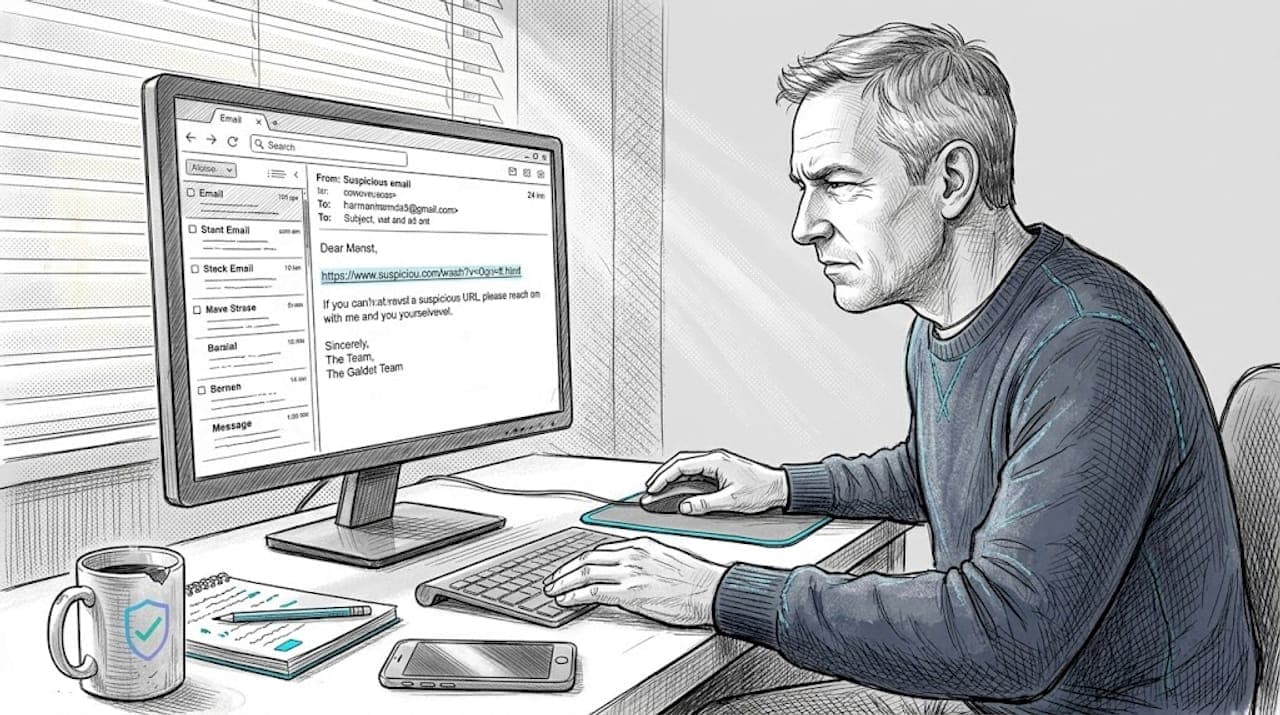
Scam links are everywhere right now, and most people have no idea how dangerous one tap or click can be. Americans filed over 1 million scam complaints in a single year, with total losses hitting $20.9 billion. Seniors alone lost $7.7 billion. These are not abstract numbers. They represent real families who trusted a link that looked completely normal. This guide breaks down what scam links are, where they hide, how to spot them before you click, and what simple habits and tools you can use every day to stay protected. No tech background required.
Table of Contents
- What is a scam link and how does it work?
- Where do scam links show up? Main sources and tactics
- Simple ways to spot a scam link before you click
- Staying safe: Tools and habits that block scam links
- Why scam link awareness matters more than any one tool
- Check links safely with ScamKit's free tools
- Frequently asked questions
Key Takeaways
| Point | Details |
|---|---|
| Scam link basics | A scam link is any hyperlink, text, or QR code designed to mislead you and steal your information. |
| Main risk factors | Emails, texts, and social media are common sources, especially when messages seem urgent or unusual. |
| Easy detection steps | Preview links and double-check senders to avoid falling for scams, even without technical skills. |
| Protective habits | Daily habits, simple tools, and family conversations offer the best defense against scam links. |
What is a scam link and how does it work?
A scam link is any web address, QR code, or clickable hyperlink that a fraudster sends you to cause harm. According to the FTC, a scam link tricks users into visiting malicious websites, downloading harmful software, or handing over sensitive personal information. That is the core of it. The link itself looks innocent, but the destination is not.
Scammers send these links through almost every digital channel you use:
- Email (the most common delivery method)
- SMS text messages
- Messaging apps like WhatsApp, Facebook Messenger, and iMessage
- Social media posts, direct messages, and comment sections
- QR codes printed on flyers, fake parking meters, or restaurant tables
Once you click, one of several things can happen. You might land on a fake login page that harvests your username and password. You might trigger an automatic malware download. Or you might be guided through a fake form that collects your bank details or Social Security number.
The reason these links work so well is that they look real. Scammers put genuine effort into copying the visual style of trusted brands. You might see a link that appears to come from your bank, the IRS, or Amazon. The URL scam red flags are subtle: a missing letter, an extra hyphen inside the domain, or a completely different ending like ".netinstead of.com`.
Three core tactics make scam links so effective:
- Urgency: "Your account will be suspended in 24 hours."
- Impersonation: Logos, fonts, and language copied from real companies.
- Concealment: The visible link text says one thing, but the actual address goes somewhere else entirely.
Understanding common scam techniques helps you recognize the pattern. Once you see it, you cannot unsee it.
| Tactic | What it looks like | Why it works |
|---|---|---|
| Urgency | "Act now or lose access" | Triggers panic, bypasses careful thinking |
| Impersonation | Fake bank or IRS emails | Exploits trust in familiar brands |
| Concealed URLs | Link text differs from actual address | Easy to miss without checking |
| QR codes | Fake codes on real-looking flyers | Hard to preview before scanning |
Where do scam links show up? Main sources and tactics
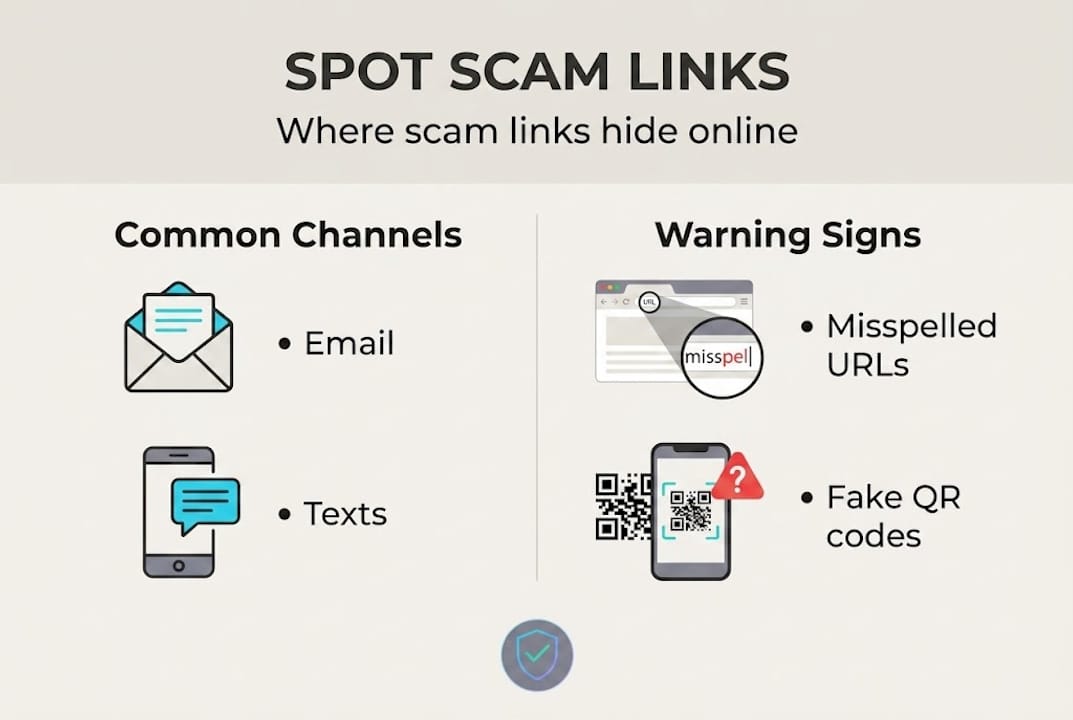
Now that you know what scam links are, let's look at exactly where they appear. Email is the top contact method scammers use, but it is far from the only one. Texts, QR codes, and social media have all become major delivery channels.
Here is how scam links tend to look across different platforms:
| Platform | Common red flags | Example tactic |
|---|---|---|
| Mismatched sender address, urgent subject line | Fake shipping notification with a tracking link | |
| SMS/Text | Short link with unknown sender, no context | "Your package is held. Click here." |
| QR code | Placed over a legitimate code, no label | Fake payment QR at a parking meter |
| Social media | Message from a hacked friend's account | "Look what I found about you" + link |
On email, scammers often use lookalike domains. Instead of paypal.com, you might see paypa1.com or paypal-support.net. The difference is tiny and easy to miss when you are rushing.
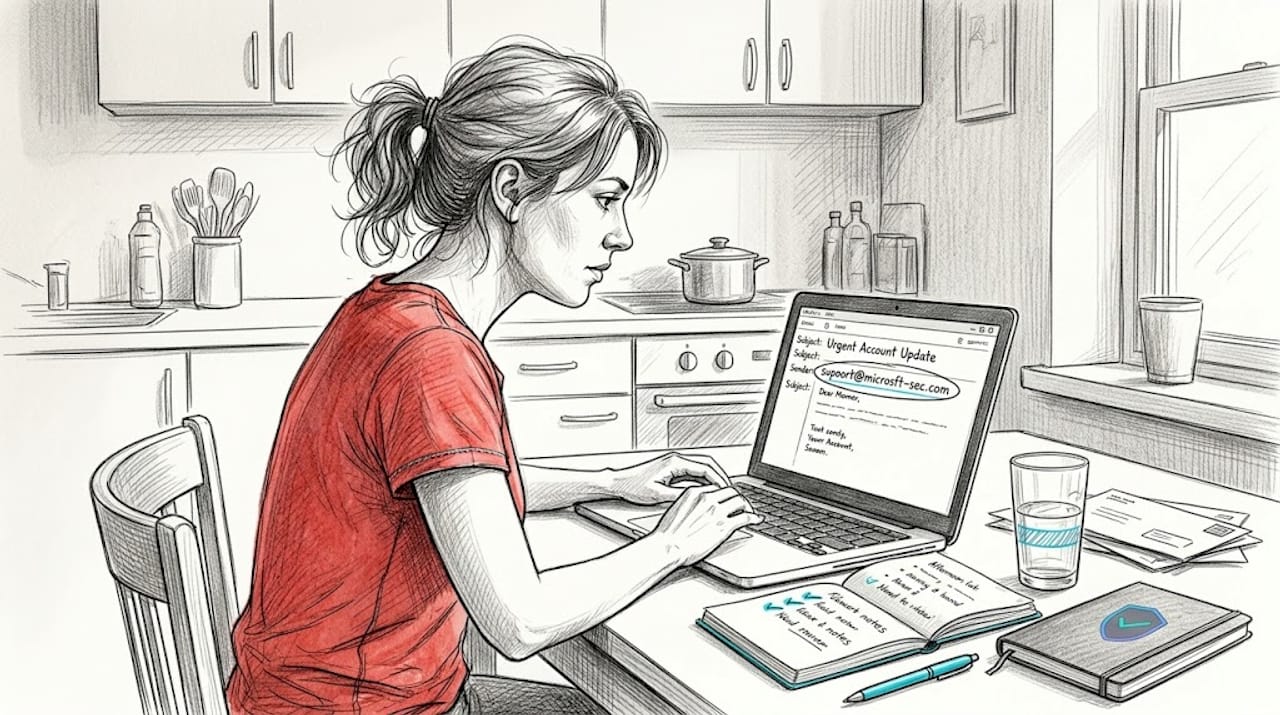
Text message scams, called smishing, have exploded in recent years. Learn more about spotting text scam links so you know exactly what to look for. A common example: a text claiming your bank account is locked, with a link to "verify" your identity immediately.
QR codes are especially sneaky because you cannot hover over them to preview the destination. Scammers print fake QR codes and stick them over real ones in public places. Always check where a QR code takes you before entering any information.
Social media brings its own risks. A message might appear to come from a friend whose account was hacked. Or a scammer might create a fake profile impersonating a celebrity or government agency. Knowing your way around social media scam spotting can help you stay one step ahead.
Pro Tip: If you receive a link from a sender you do not recognize, or even from a friend but the message seems out of character, do not click. Reach out to that person directly using a phone call or a separate message to confirm they actually sent it.
Simple ways to spot a scam link before you click
Knowing where scam links live is just the start. Here is how to check a link before it tricks you, even if you are not tech-savvy.
Step-by-step checklist to vet any link:
- Pause before clicking. Ask yourself: Did I expect this message? Does it make sense for this person or company to contact me this way?
- Hover your mouse over the link (on a computer) or long-press it on your phone to preview the actual web address. The FTC recommends always doing this before clicking unexpected links.
- Read the full web address carefully. Look for extra words, numbers replacing letters (like
0instead ofo), or unusual domain endings. - Check the sender. Even if the email looks official, does the email address itself match the company's real domain?
- Search directly. Instead of clicking the link, open a new browser tab and type the company's official website address yourself.
- Use a URL checker. A tool like ScamKit's URL checker can instantly analyze a suspicious link and give you a risk rating.
"When in doubt, throw it out. If a link or attachment doesn't look right, even if you know the sender, delete it."
Common address tricks to watch for include extra dashes in domain names (like amazon-support-help.com), misspellings (arnazon.com instead of amazon.com), and unfamiliar endings like .xyz or .top instead of .com.
Learning to spot fake links is a skill anyone can develop. The more you practice pausing and checking, the more automatic it becomes.
Pro Tip: When in doubt, go directly to the official website by typing the address yourself. Never use a link from an unexpected message to access your bank, email, or any account that matters.
Staying safe: Tools and habits that block scam links
You have learned how to spot scam links. Now let's talk about building everyday habits and using simple tools that give you ongoing protection.
Daily safety habits:
- Do not open emails or texts from senders you do not recognize, especially if they include links or attachments.
- If a message claims to be from your bank, the government, or a delivery service, contact that organization directly using a number from their official website.
- Talk to your family about scam links regularly. A quick conversation at dinner can prevent a serious mistake.
- Slow down. Scammers want you to act fast. Taking even 30 seconds to pause reduces your risk significantly.
Tools worth using:
- Antivirus software: Programs like Malwarebytes or Bitdefender catch many malicious links and downloads automatically.
- Browser security features: Most modern browsers like Chrome or Firefox will warn you before you visit a known dangerous website.
- URL checkers: Free tools let you paste a suspicious link and see an instant risk rating before you visit. Protecting yourself also means using antivirus and URL checkers together, not relying on just one layer.
A solid scam prevention guide walks you through building these layers. And understanding why checking suspicious links matters makes it easier to build the habit.
How to report scam links:
- Report to the FTC at reportfraud.ftc.gov
- File a complaint with the FBI's IC3 at ic3.gov
- Forward suspicious texts to 7726 (SPAM) on most US carriers
Reporting matters. It helps authorities track patterns and shut down scam operations. Review best scam avoidance practices to keep your whole household protected.
Pro Tip: Teach your kids, parents, and grandparents to ask for help before clicking any link they are unsure about. No question is too small when it could prevent a scam.
Why scam link awareness matters more than any one tool
Here is something that often gets overlooked: the best tool in the world cannot protect someone who does not pause to use it. We have seen this play out again and again. Someone installs antivirus software, assumes they are covered, and then clicks a scam link in a panic because the message said their bank account was frozen.
Technology helps. It really does. But critical thinking is the layer that catches what tools miss. Scammers are constantly updating their tactics. The fake emails today look far more convincing than they did five years ago. AI is making them even harder to detect.
Families that talk openly about scams are genuinely safer. When a parent or grandparent knows they can show a suspicious message to someone without feeling embarrassed, they are far more likely to ask before clicking. That conversation is more powerful than any software.
Understanding why checking links matters is not a one-time lesson. It is an ongoing habit. Scams evolve, and your awareness needs to evolve with them. Stay curious, stay skeptical, and keep talking.
Check links safely with ScamKit's free tools
Now that you can recognize scam links, put that knowledge to work with tools built for exactly this situation. ScamKit's free URL checker lets you paste any suspicious link and get an instant risk assessment. No sign-up, no personal information required.
Beyond the URL checker, ScamKit offers message analyzers, phone number screening, and practical guides written in plain language. Whether you want to protect yourself or help a family member stay safe, ScamKit has resources that fit your needs. Explore proactive cybersecurity tips and try the free scam checking tools today. Peace of mind is one click away, and this time, it is a safe one.
Frequently asked questions
What happens if I click a scam link?
Clicking a scam link can lead to stolen personal info, malware downloads, or financial loss, particularly if you follow any further instructions or enter your details. Scam links are specifically designed to trick you into giving up information or installing harmful software.
How can I tell if a link is a scam if I'm not tech-savvy?
Preview the link by hovering your mouse over it or long-pressing on your phone, then check for strange spellings or unfamiliar domains. Simple checks like these are effective even without any technical knowledge.
Are scam links only in emails?
No, scammers send malicious links through texts, QR codes, messaging apps, and social media just as often as email. Scam links are distributed across all major digital platforms, with email being just one common method.
What should I do if I receive a suspicious link?
Do not click it. Contact the sender through a known, trusted method to verify they actually sent it, then report it to the FTC or IC3. Reporting scam links helps protect others from the same threat.
Is antivirus alone enough to protect me from scam links?
Antivirus is a helpful layer, but it cannot replace careful habits and critical thinking, especially as scam tactics grow more sophisticated. Practical awareness combined with good tools gives you the strongest protection.